
Main parts of Idle
These screenshots use sample content in a preview version of Idle. Your app may look different. Select an image to see the full screen.
-
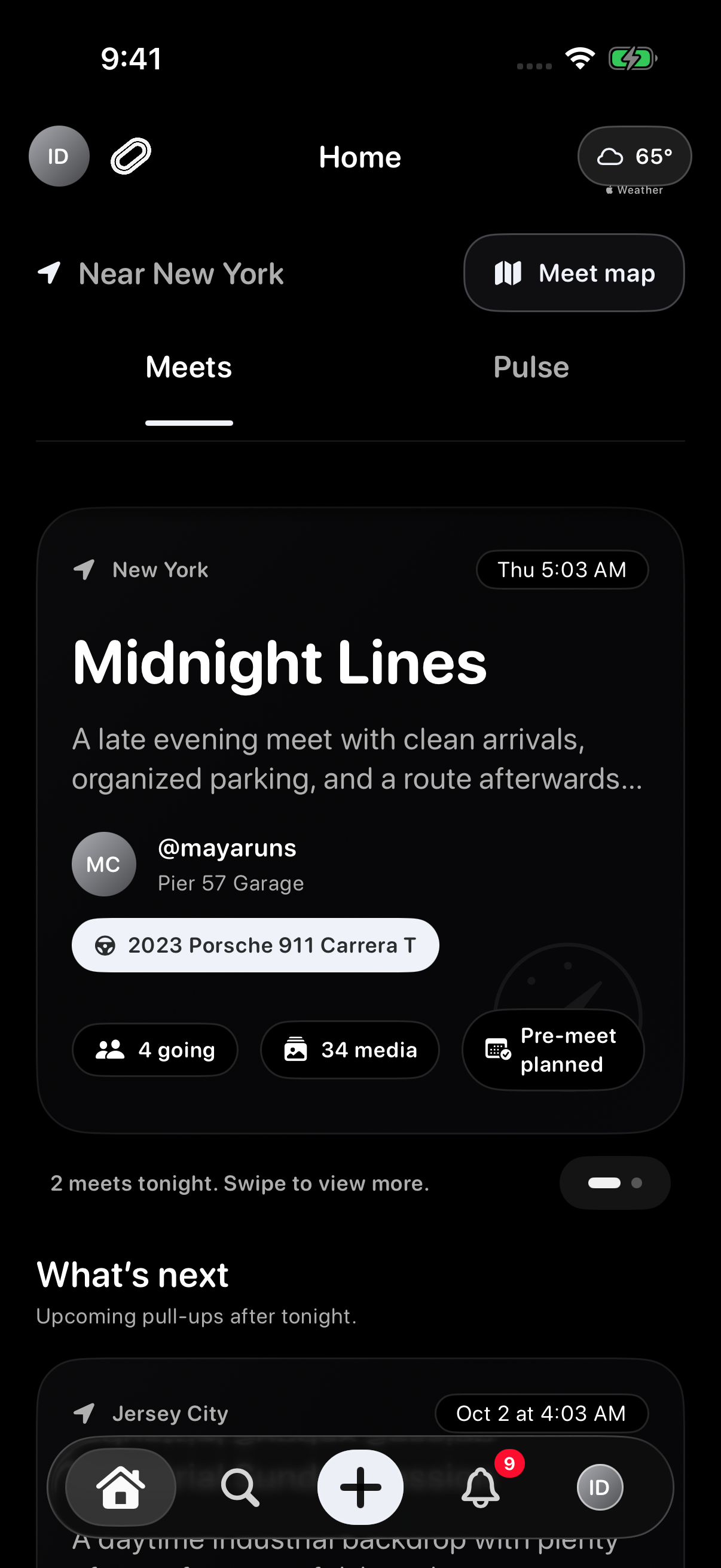
Home and SearchOn Home, use Meets to browse meet plans and Pulse to read posts and polls. Use Search to find meets and people, then select Discover for nearby E85 stations, photo spots and the Ethanol Calculator.
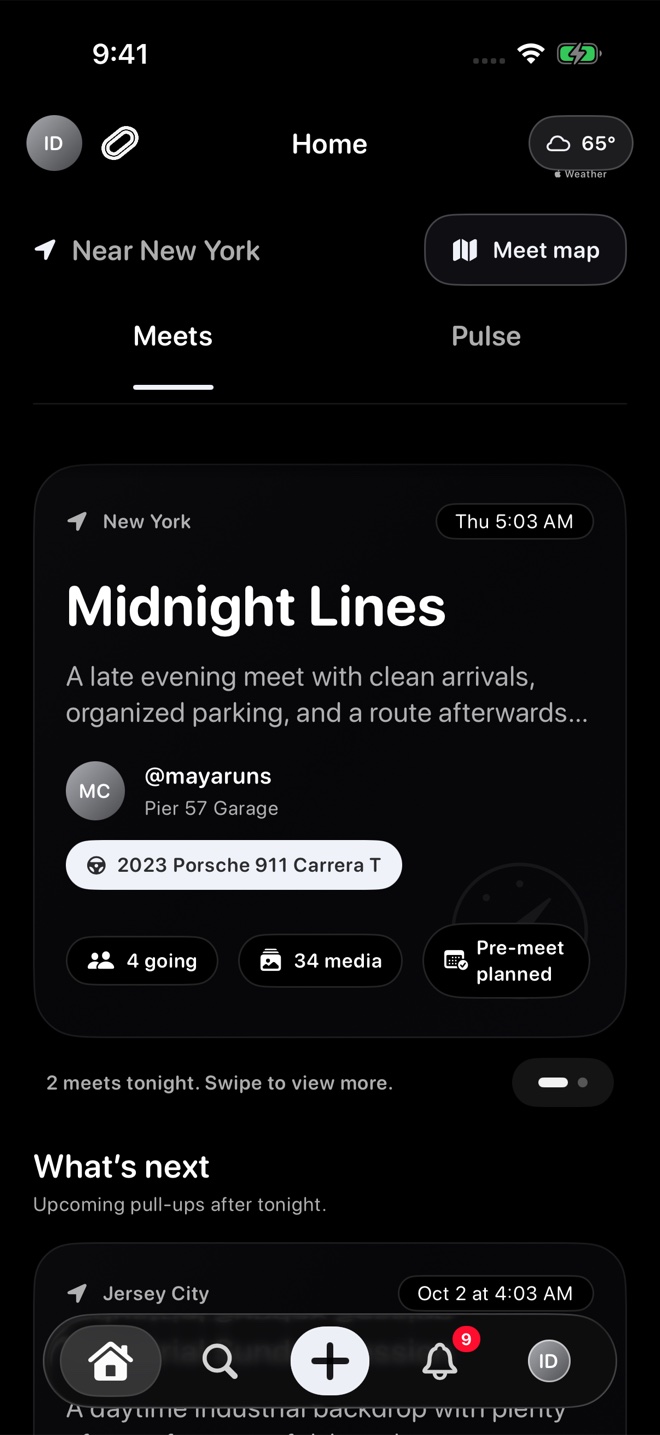
Browse meets from Home. -
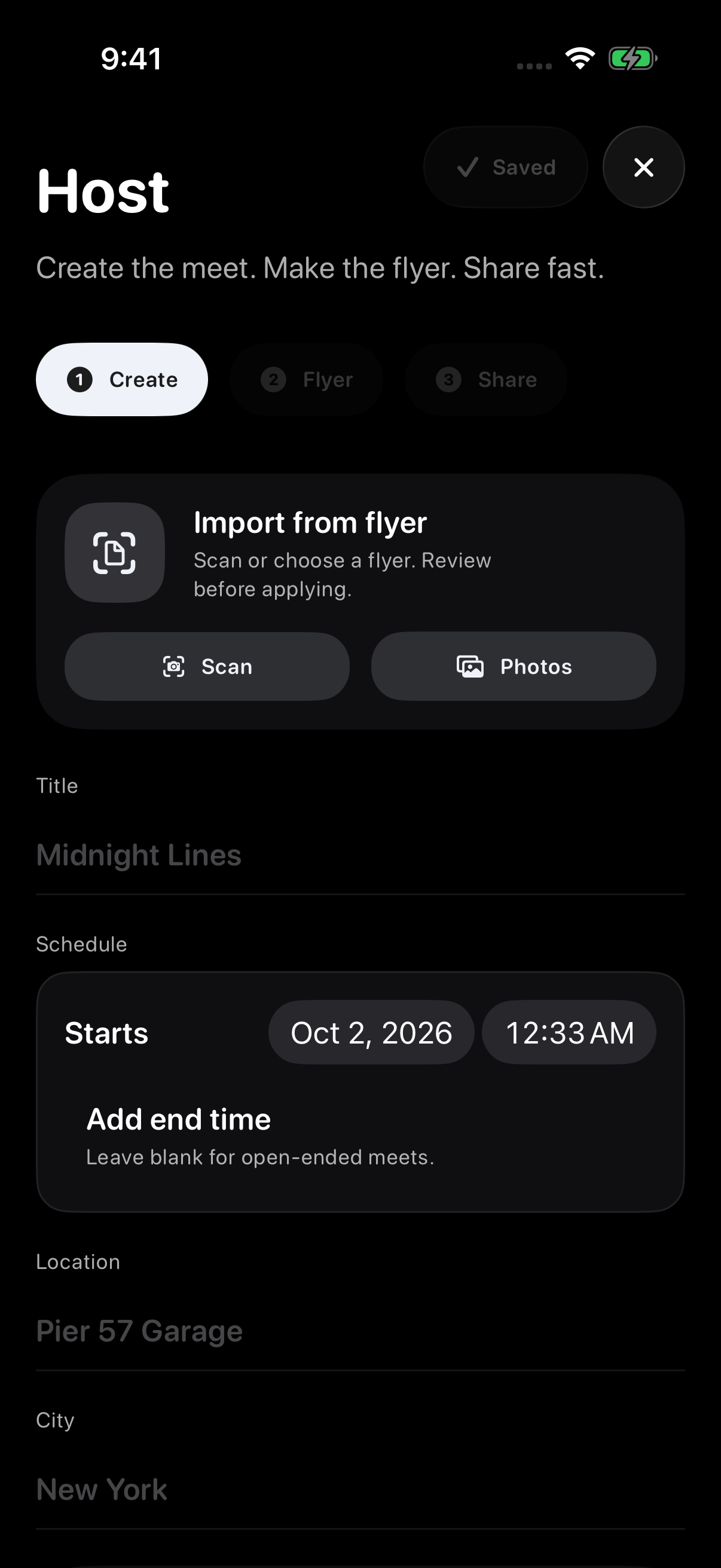
HostingCreate meets with clear details, flyers, private reusable templates, parking, ride-outs, and Host Tools.
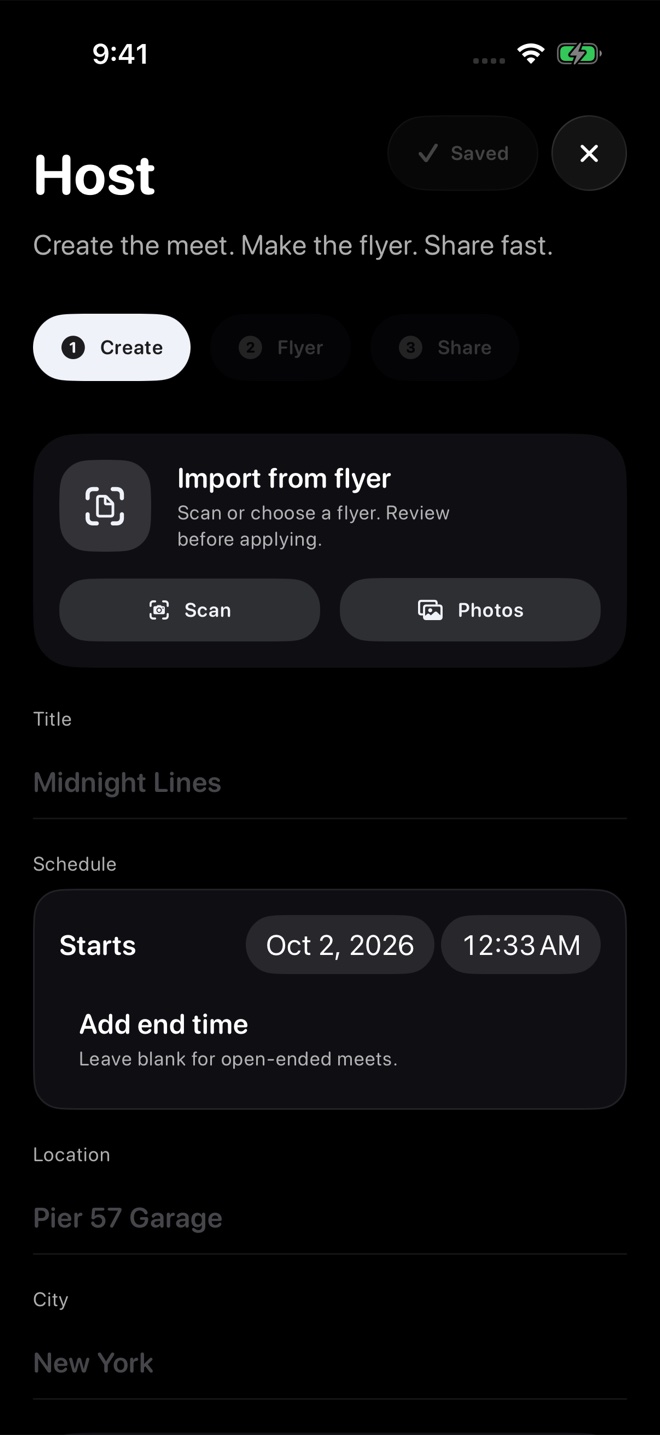
Use Host to add the meet's title, schedule and location. -
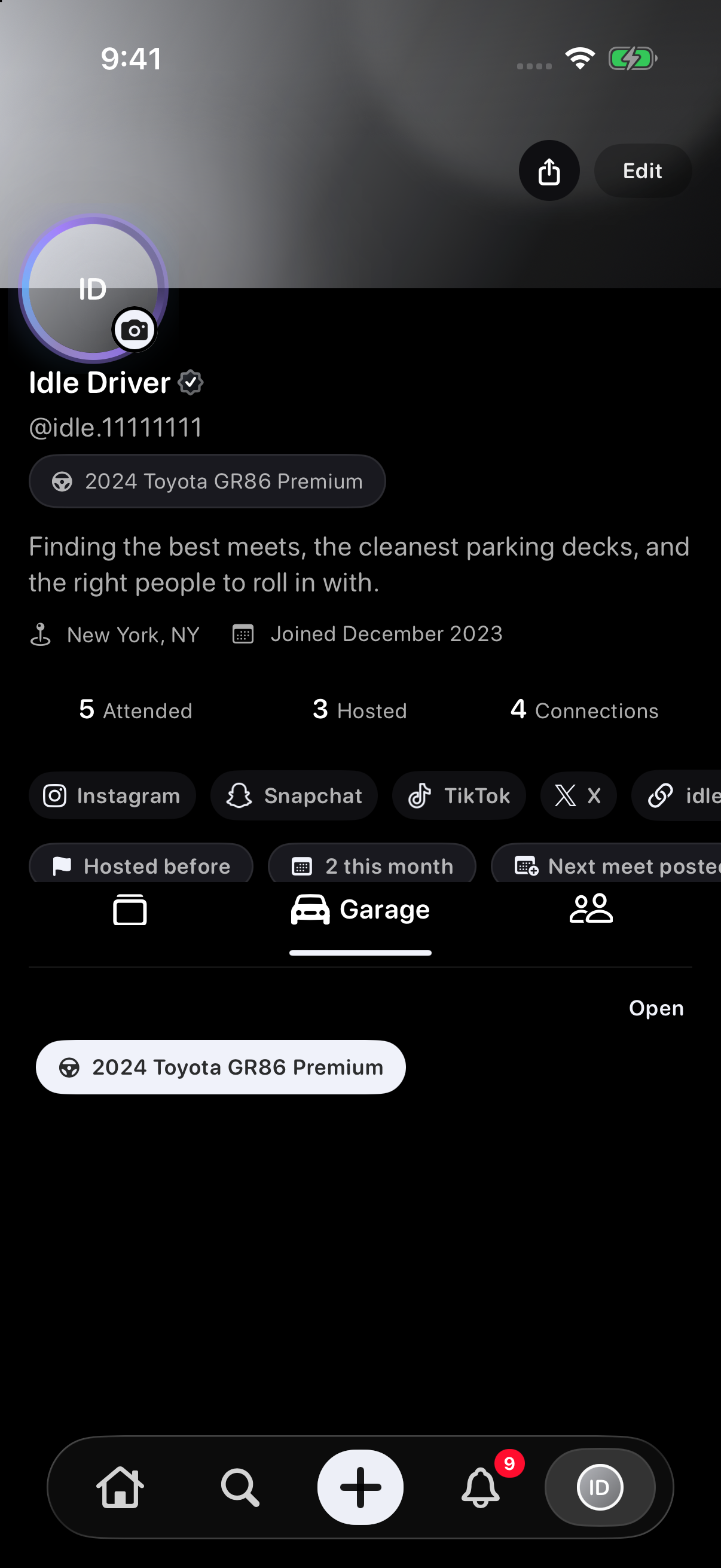
Profile & garageMove between your Pulse, garage, and groups, then show your driver identity, vehicles, socials, profile style, and meet history.
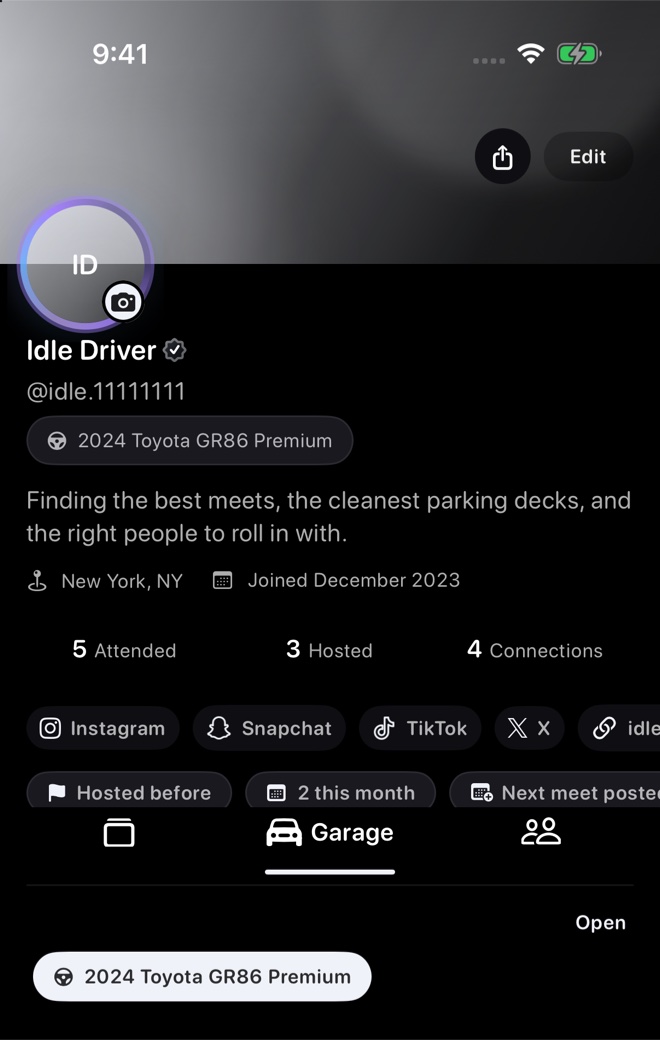
Open Garage from your profile to find your vehicles. -
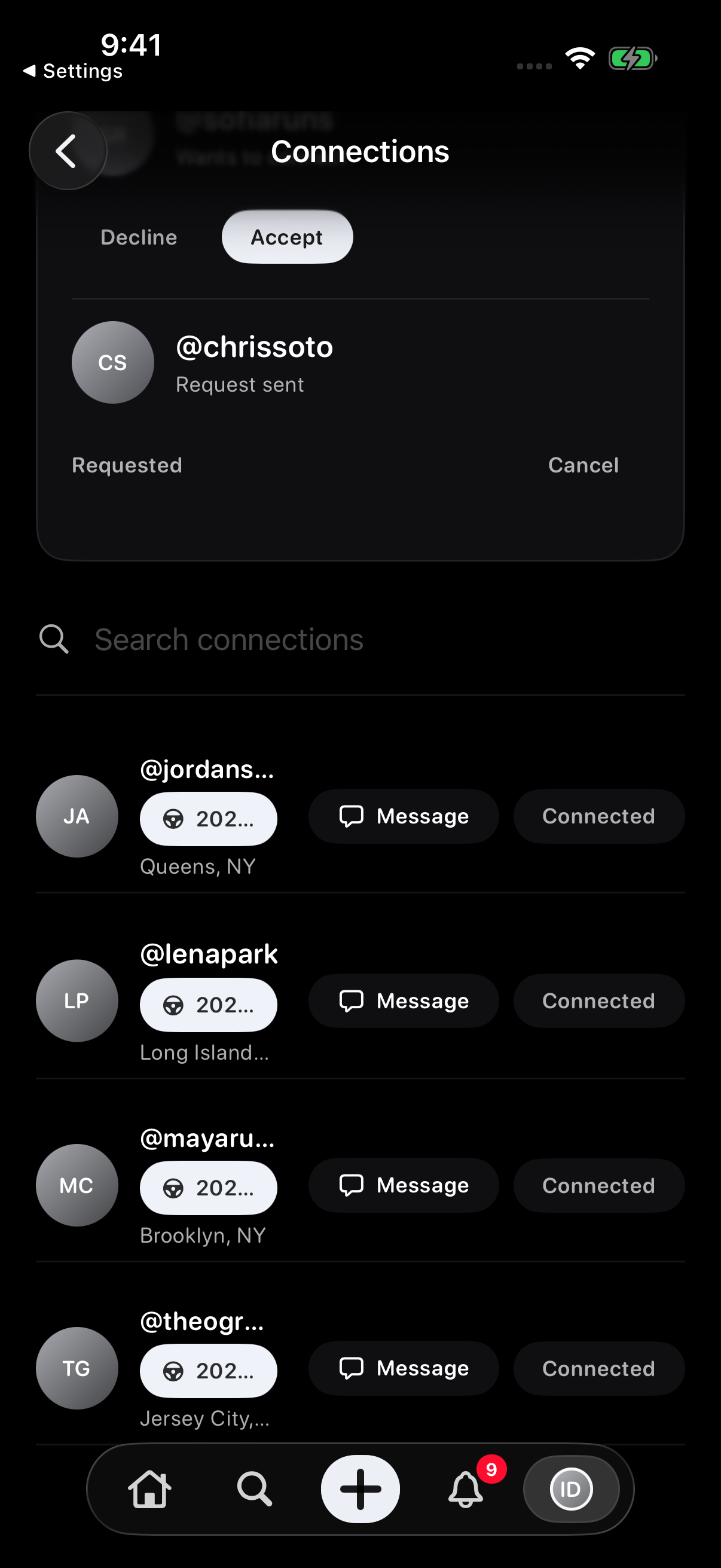
Connections & messagesConnect with drivers you know and message accepted connections.
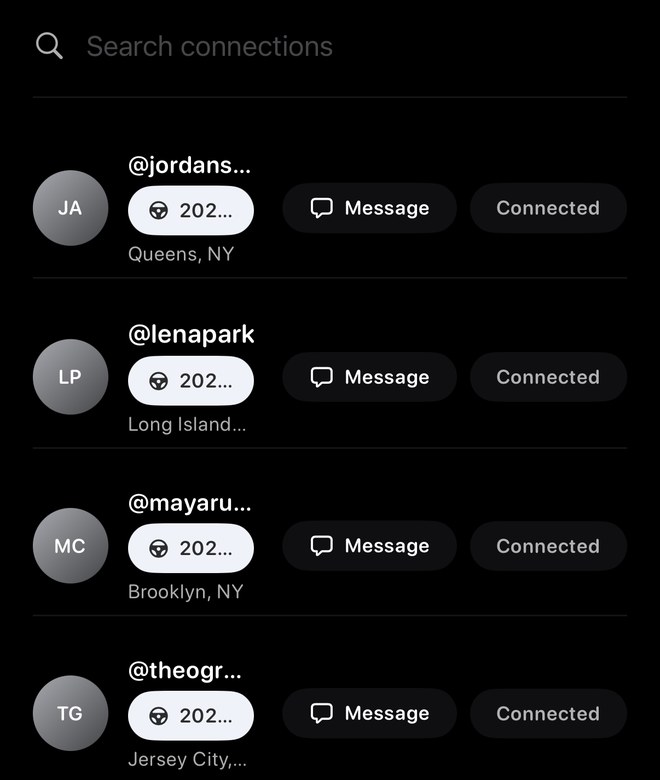
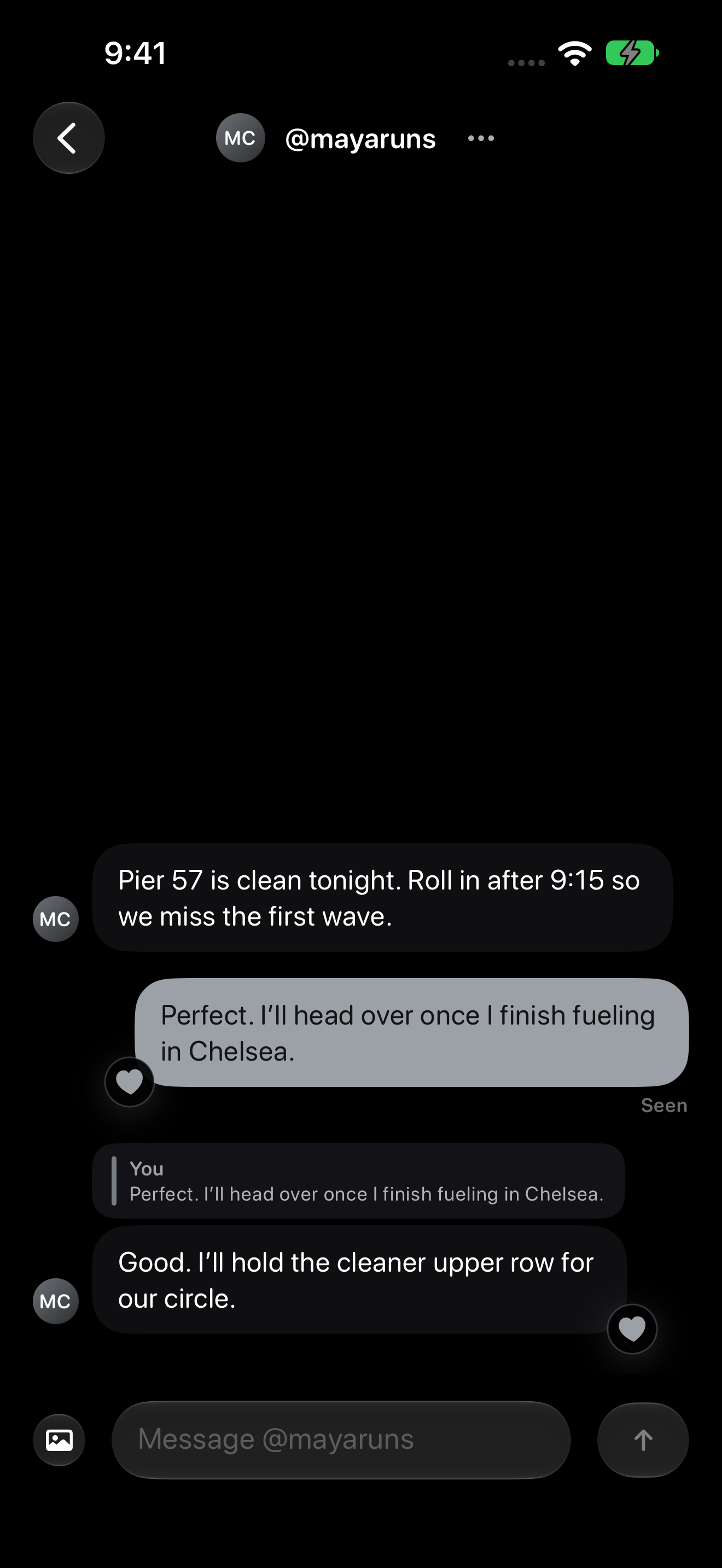
Tap Message beside a connection to start a conversation. 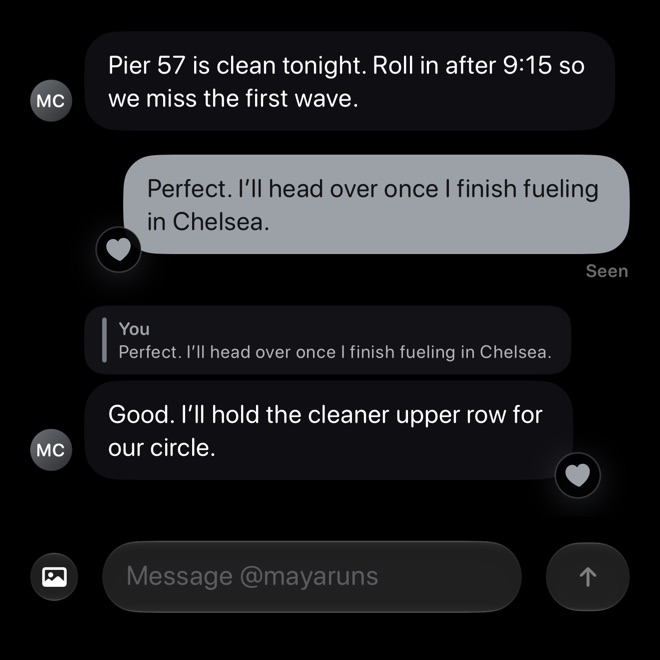
Write to a connection from Messages. -
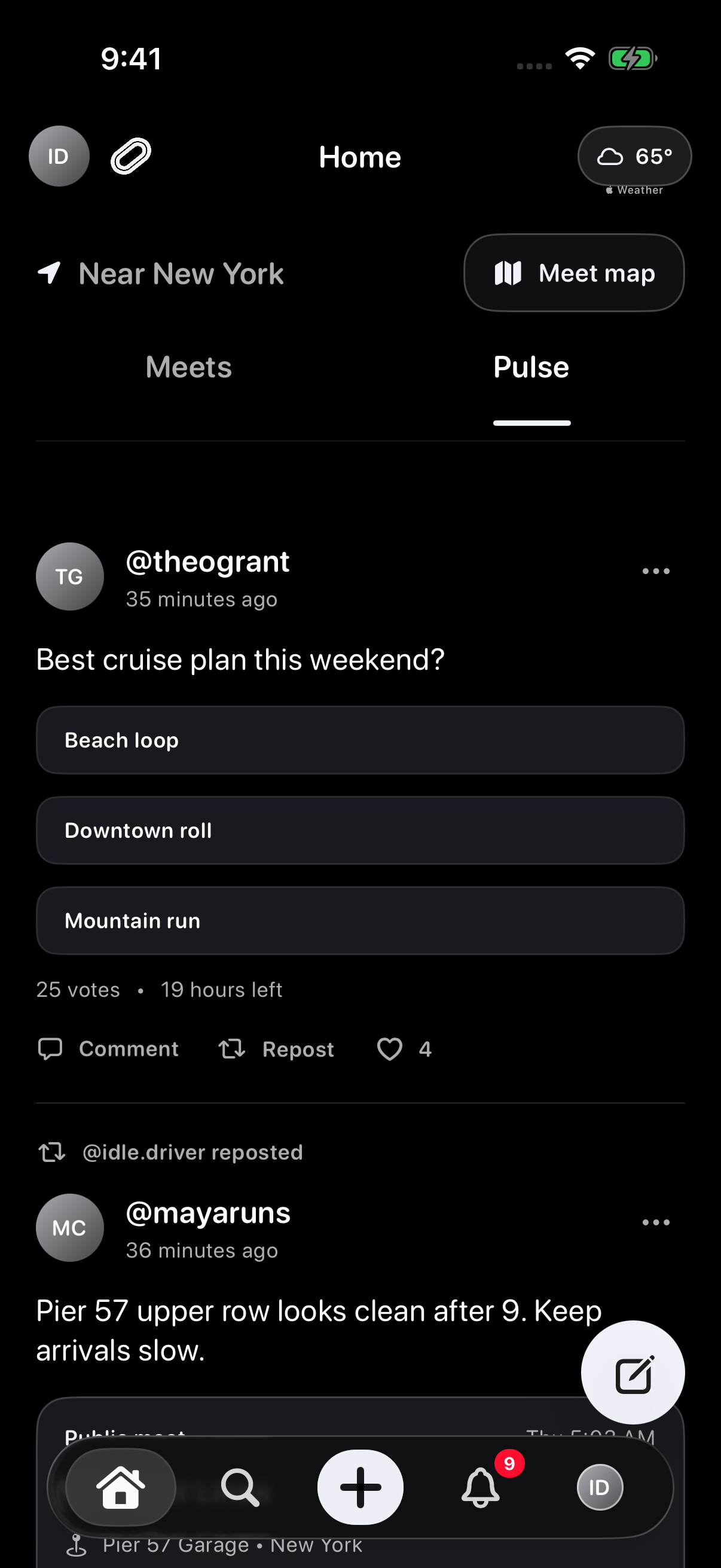
Groups, Pulse, and ConvoysKeep crews organized, share quick updates, and coordinate active drives.
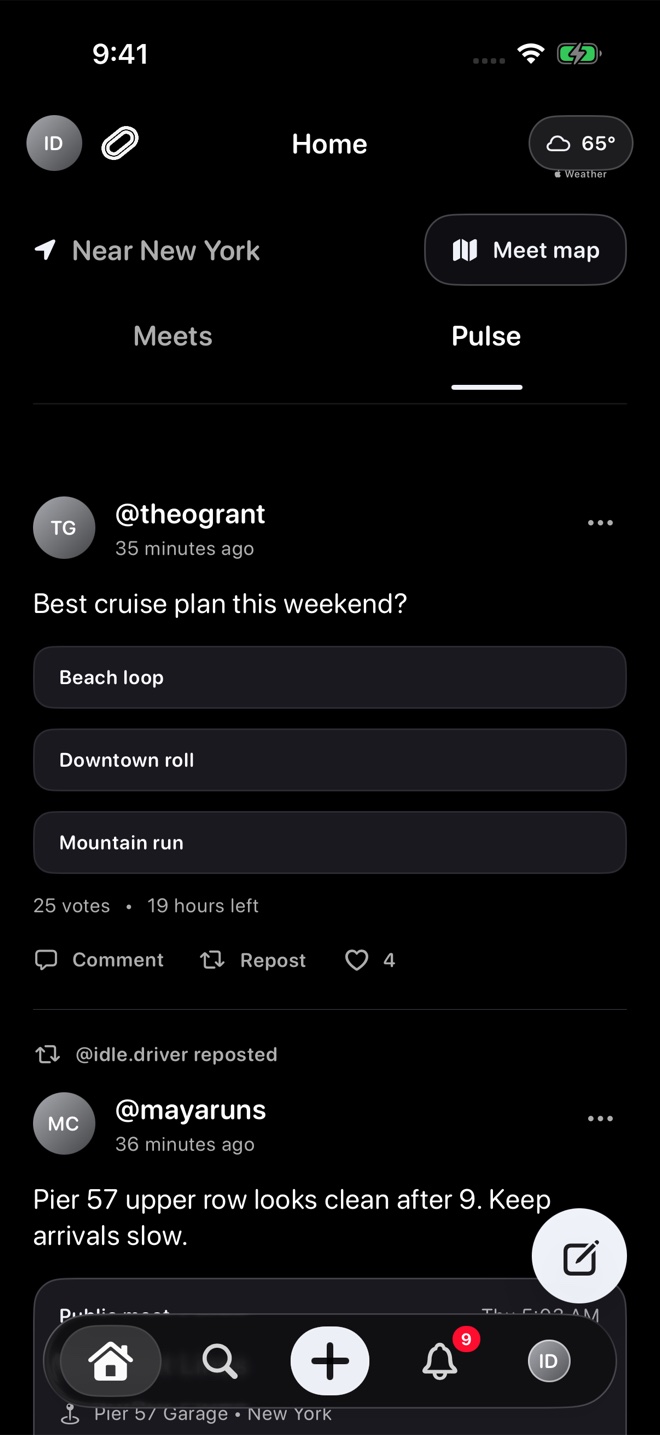
Switch to Pulse to read updates and polls.
What to expect
Idle is built for iPhone. Some features require you to sign in, allow an iPhone permission or use a supported device. Meet, group and profile privacy settings can also affect what you can see.
Need help?
For account-specific, deletion, safety, or private issues, email support@idlemeets.com.