
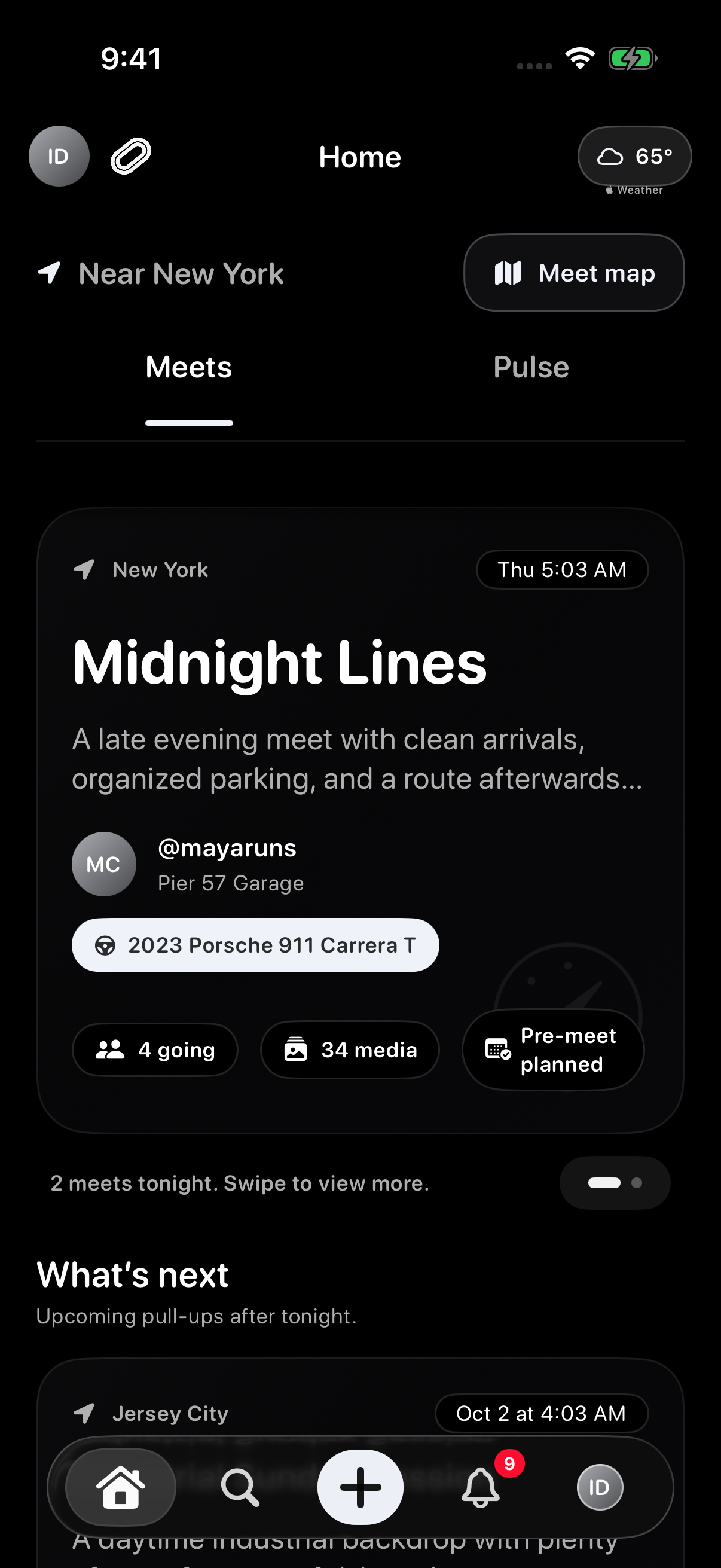
These screenshots use sample content in a preview version of Idle. Your app may look different. Select an image to see the full screen.
Start a test drive
- On the sign-in screen, choose Take a test drive.
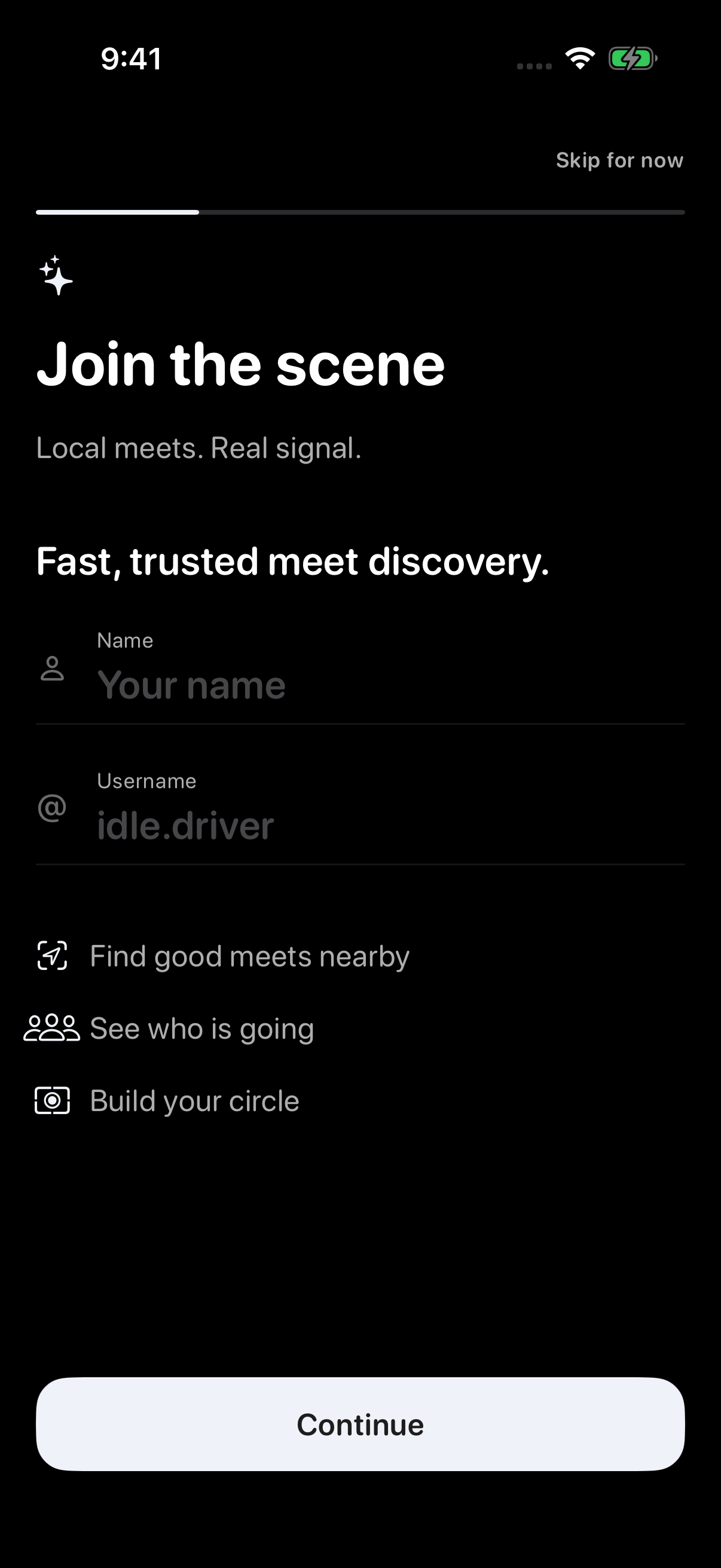
- On Join the scene, choose Skip for now.
- If the terms screen appears, review the Terms and EULA, select both confirmations, then tap Accept and enter Idle.
- If the permission explainer appears, you can choose Not now to continue to Home.
What the test drive includes
- Sample contentExplore sample meets, groups, Forums, Pulse posts, messages, garage items, notifications, and connections.
- Explore ForumsBrowse sample Threads, try Replies, follow Forums, save Threads, and revisit your activity through My Posts. These changes stay on your iPhone.
- Sample map weatherSelected meets can show labeled sample hourly forecasts in Meet map.
- Convoy VoiceReal Voice calls require a real account and an active Convoy.
- Changes stay on this iPhoneChanges made during the test drive stay on your iPhone.
- Separate from real accountsTest-drive data does not become your real profile, meets, groups, or messages.

Skip optional onboarding
After Take a test drive, choose Skip for now on Join the scene if you want to explore without filling in the Name and Username fields.
You can choose Not now when asked to review permissions and continue exploring. Features that need location or other access may ask for it later.
What to expect
If you reinstall Idle or leave the test drive, sample content may reset. That does not mean your real account content was deleted.
Troubleshooting
- Sample data changedThat can be expected because the test drive is a preview.
- Ready for real useFrom Home, tap your avatar, then Account > Sign out. On the sign-in screen, sign in or create your real account.
- Confused about modeFrom Home, tap your avatar, then Account to check the current mode.
Contact support
If real account data appears mixed with test-drive content, email support@idlemeets.com with screenshots and the steps you took.