
This screenshot uses sample content from a preview build of Idle. The downloadable version may differ. Select the image to see the full-size screenshot.
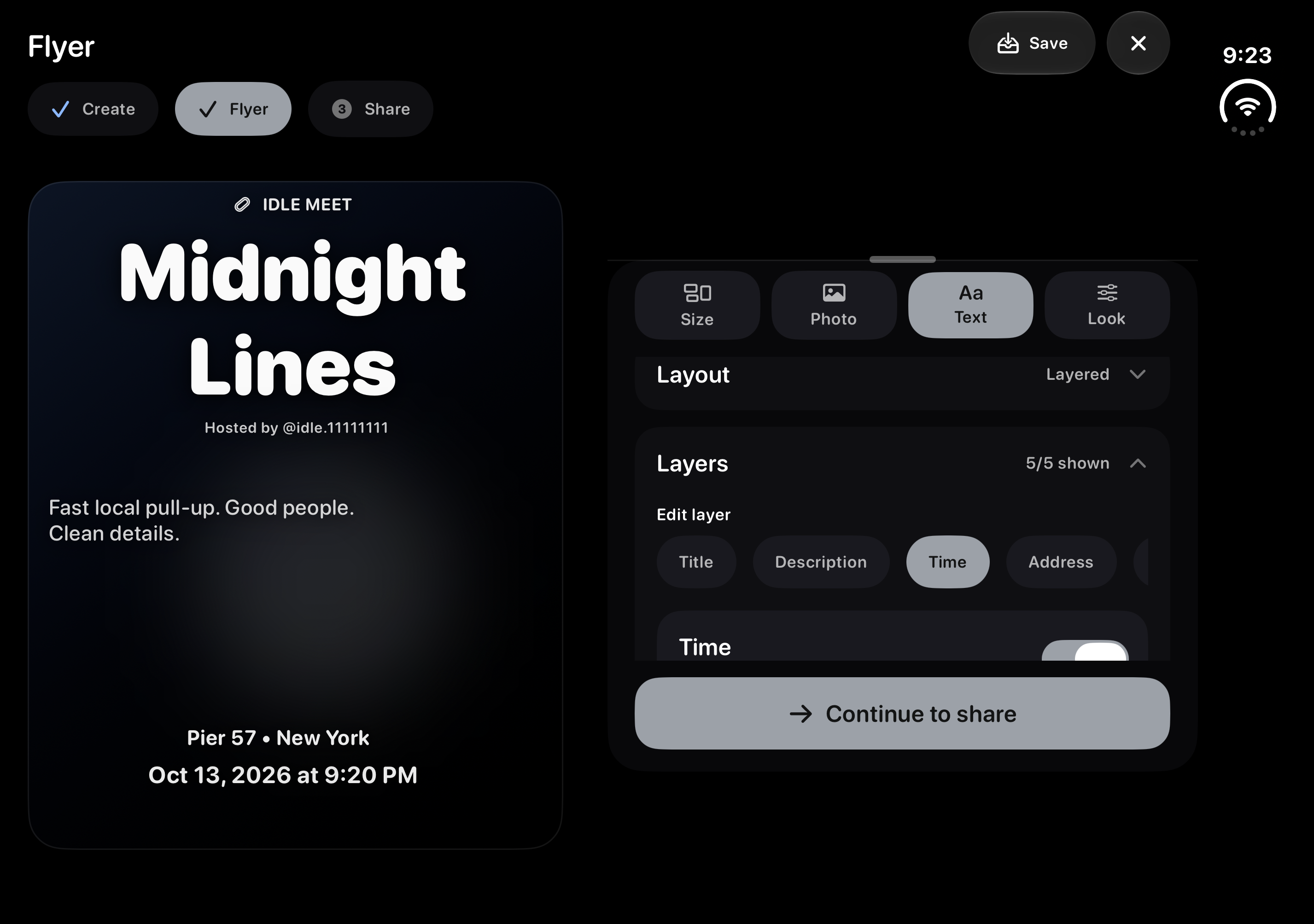
- Open Flyer Studio while creating a meet, or open the flyer tools for a meet you host.
- Unfold Duo and use landscape orientation for the side-by-side layout.
- Use Size, Photo, Text and Look to adjust your flyer. In Text, choose a layer to work on individual details.
- Check the title, date, time and location in the large preview before continuing to share.
For the full guide to photos, logos and exports, read Edit and share meet flyers.